
Schedules, groups and classrooms
#1 Courses and groups
Each course is offered in one or more groups, and each group has its own days, times, classroom and professor. In your first semester, the university builds your schedule for you. From second semester on, you choose it yourself, as long as there's an open spot.
#2 Where to check your schedule
Your schedule is in the Estudiantes UIS app or on the student web portal, and you log in with your student ID and password. It doesn't get emailed to you: you have to check it yourself. It's usually published in the afternoon of the day set by the academic calendar.
#3 What's P42, PJ2 or PB3?
That's your group's code for that course. You might share a group with someone in Calculus I and be in a different group for Chemistry.
#4 Your course has no classroom?
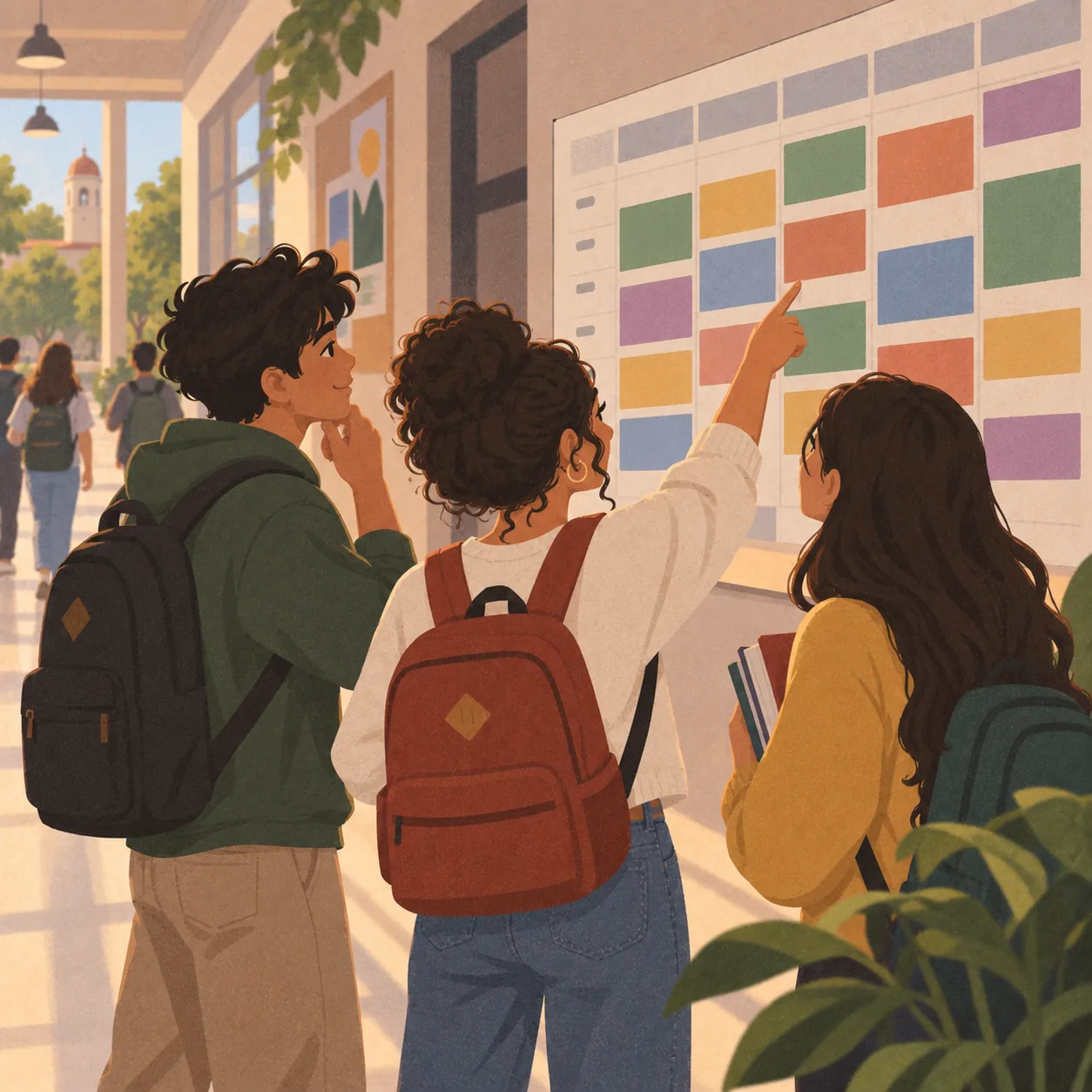
That happens every semester, especially with courses that have lots of groups. It doesn't mean the class is cancelled. Go to the school that offers the course and ask: often the schedule is already posted on the bulletin board even if the platform doesn't show it.
#5 Checking other groups' schedules
Search "Asignaturas programadas UIS" on Google. It shows every group for a course with its schedule, professor and open spots. Handy for planning a group change or finding someone to swap with.
#6 Switching groups or fixing a schedule clash
Group changes are always done through the add/drop module. If the group you want is full, find someone willing to swap with you, or ask the professor to request an extra spot. If two courses clash and one is a mandatory course for that semester, the university has to guarantee you a spot, so talk to the school's front office.
#7 Finding the classroom
Classrooms are named with the building's abbreviation plus the room number, like LI 301 or CB 205. In DeTodoUIS's Places section you can see which building each abbreviation belongs to.
DeTodoUIS is a student community app, not an official UIS channel. Check dates and requirements on the official UIS pages.